Health-tracking apps and wearable digital devices are revolutionizing the way individuals manage and monitor their well-being—and offering lawyers significant opportunities to enhance their litigation strategies as well. Data collected by fitness trackers, sleep...
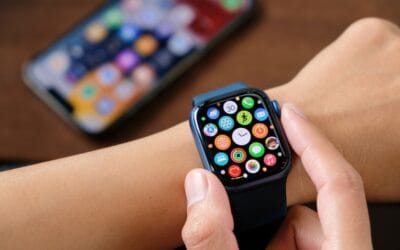
Leveraging Digital Health Trackers in Litigation: A Computer Forensic Specialist’s Perspective
read more